Scheduling & planner
Book crews by day, week or month
Learn moreFor installation teams
Schedule installers across the week, give them work orders without prices, log hours on site, and move each job to installed and invoiced without a phone call.
Free forever plan · No credit card required

What gets in the way
Windows, doors, cabinets, flooring, signs or equipment: the install day is where delays, missing parts and miscommunication cost the most.
Installers arrive without the measurements or the notes.
The office calls the crew to find out if the job is done.
Time on site is written down at the end of the week.
How Universal Workflow helps
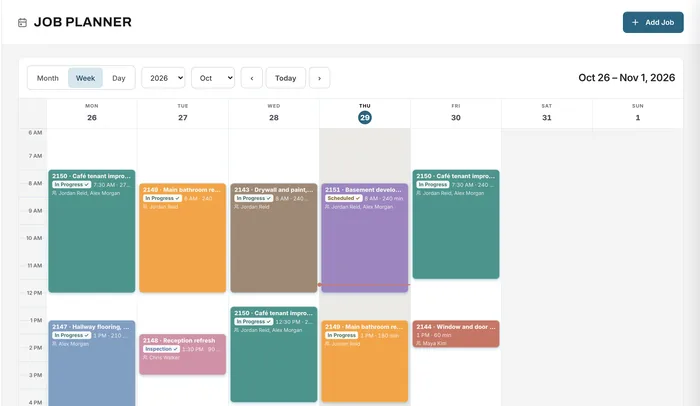
See every install for the week, with the crew and time on each booking. Book long installs across several days and move bookings by dragging them.
Scheduling & planner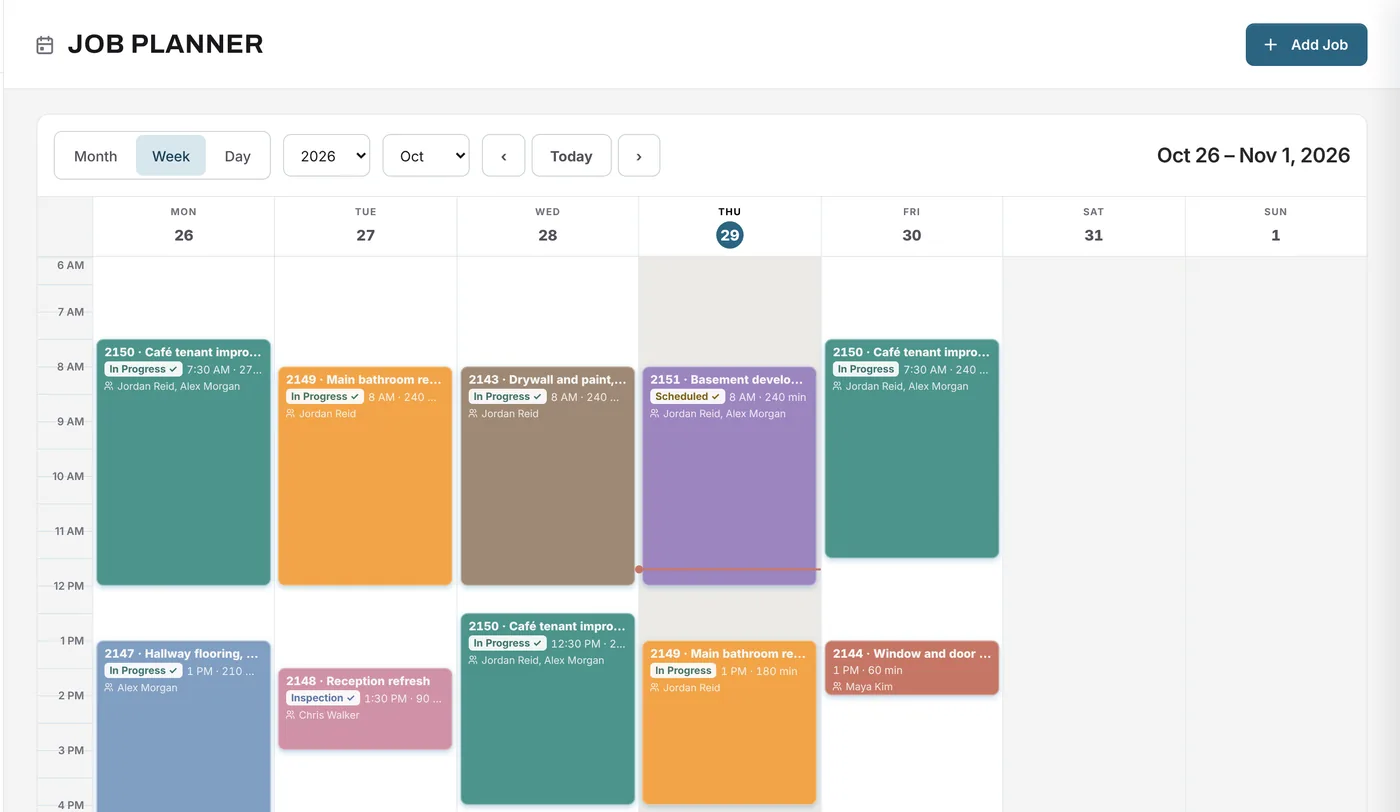
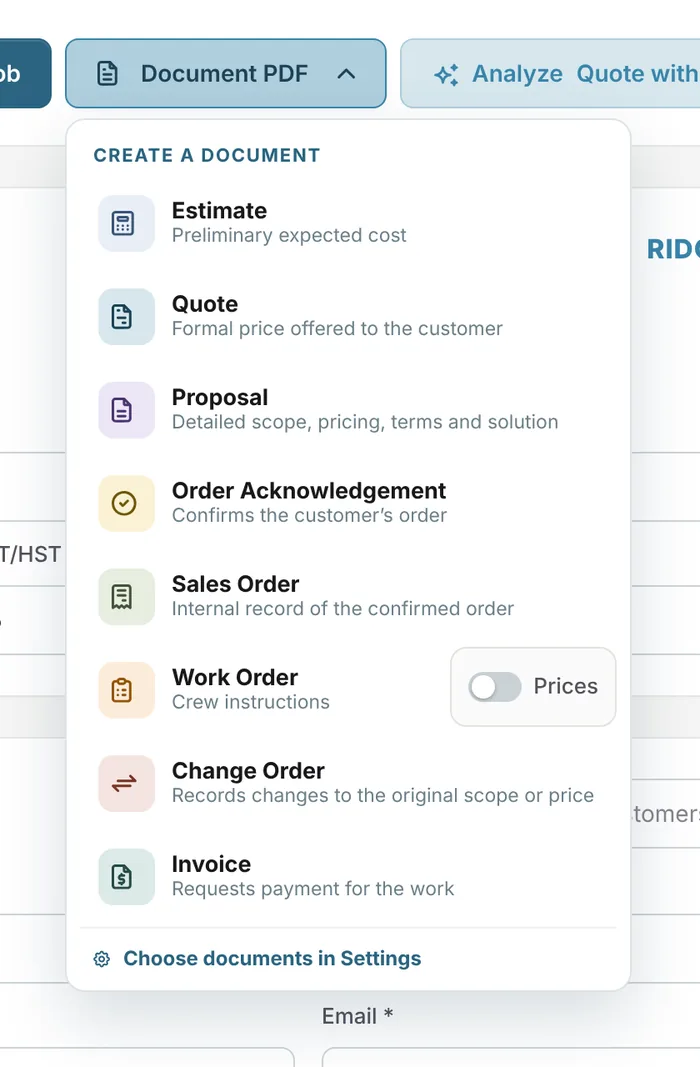
Each install gets a work order with the items, quantities, notes and ship-to address, without prices. A permission decides who can see prices at all.
Documents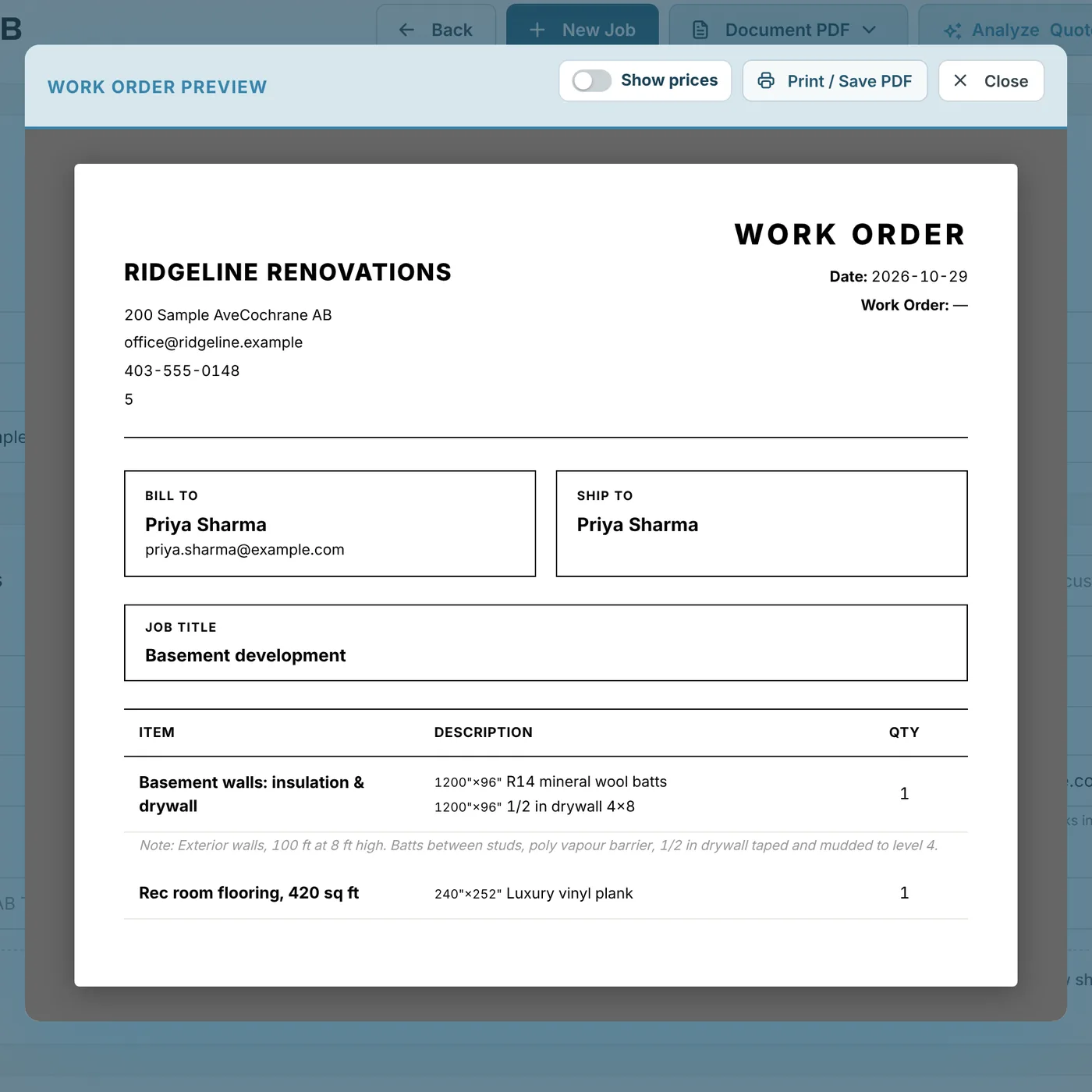
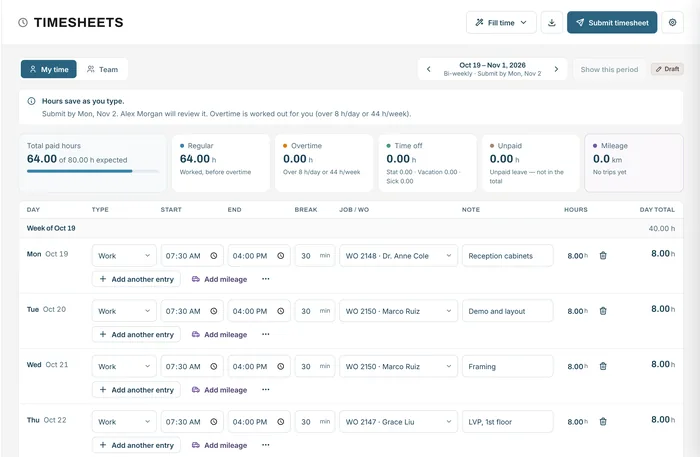
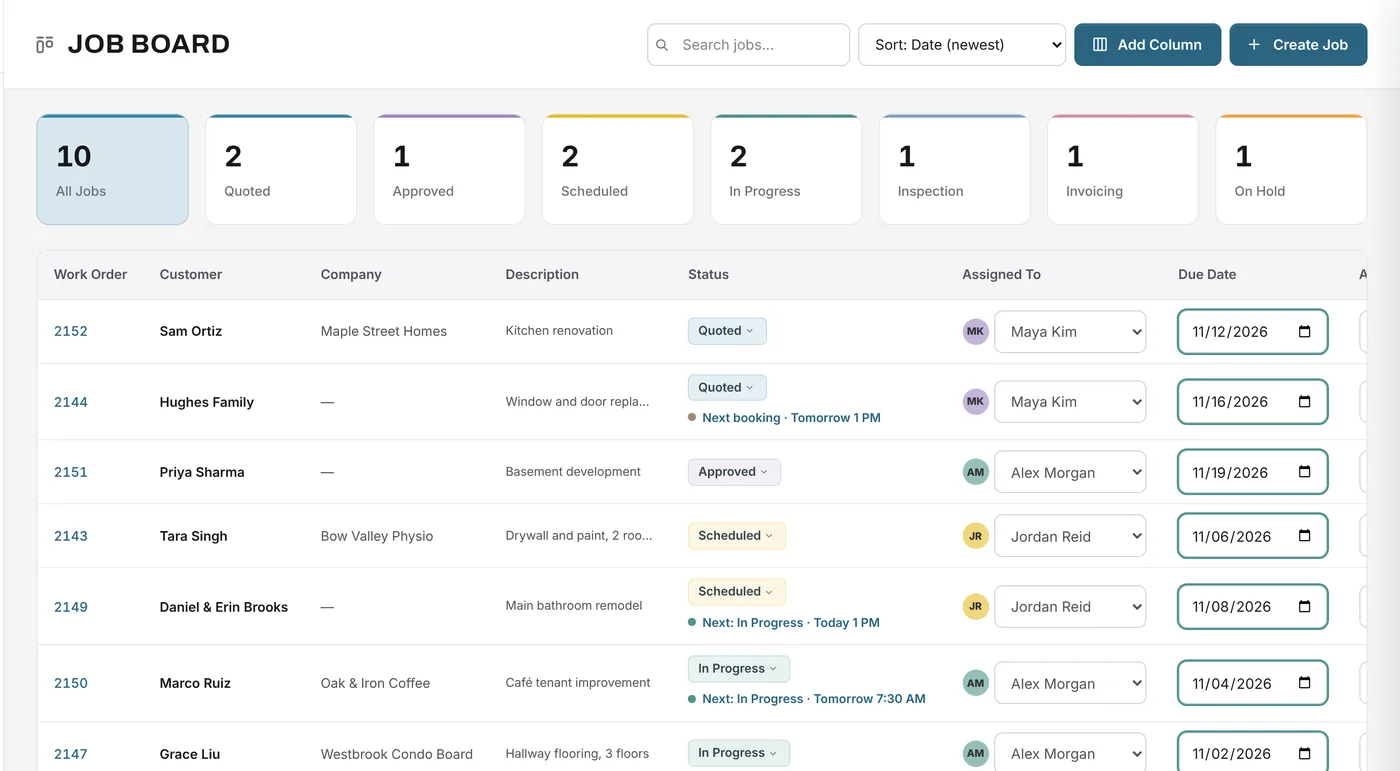
When the install booking starts, the job moves to the booking's task, such as Installation. Installers log their hours to the job, and the office sees progress on the board.
A job from start to finish
A family is replacing eight windows and a door.
Example quote
A builder hires your crew to install six replacement windows that the builder supplies.
Example figures for illustration. Your prices come from your own material library, services and rates.
| Install crew2 installers × 7 h × $65.00/h | $910.00 |
| Trim, foam and fasteners1 lot from your library: $140.00 cost + 30% markup | $182.00 |
| Remove and dispose of old windowsfixed price | $120.00 |
| Travelfixed price | $60.00 |
| Subtotal | $1,272.00 |
The install is booked on the planner for the crew, the crew gets a work order without prices, and the job moves through your own statuses as the work is finished and invoiced.
FAQ
Can’t find your answer? Send us a message and we’ll get back to you.
Yes. The planner shows each booking with the time, crew and task, on any device.
Yes. Work orders can be printed without prices, and the See Prices on Documents permission controls who sees prices.
Yes. A job can have as many bookings as it needs.
Anyone with the Update Status permission can change a job's status, and bookings with a task change it automatically at their start time.
Yes. Create a work order from the job with or without prices, and print it or save it as a PDF.
Yes. The planner has day, week and month views, with the crew, time and task on each booking.
Your next job starts here
Start free and put your installs on the planner.
Free forever plan · No credit card required