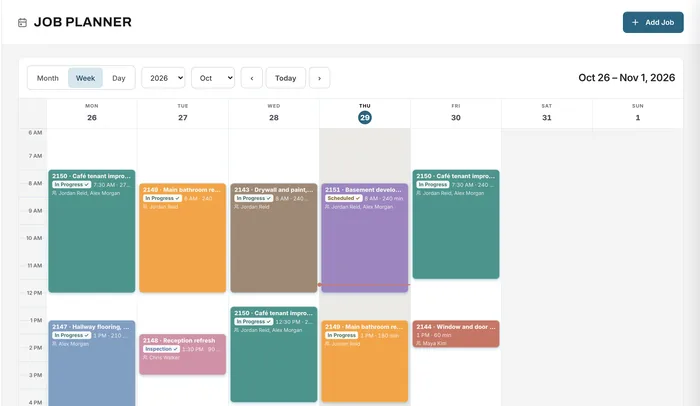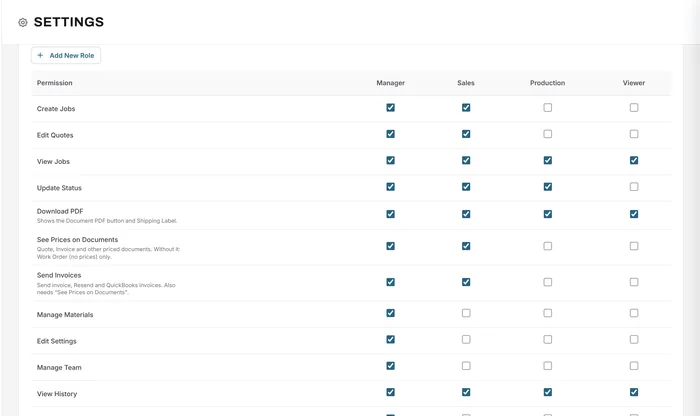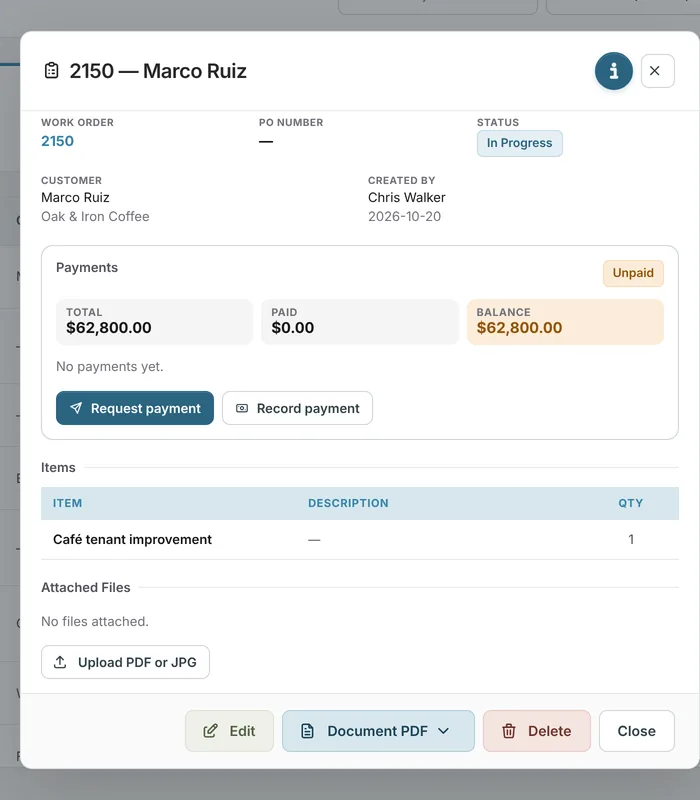
Job management
Every job, its customer, files and history in one record
Learn moreJob board
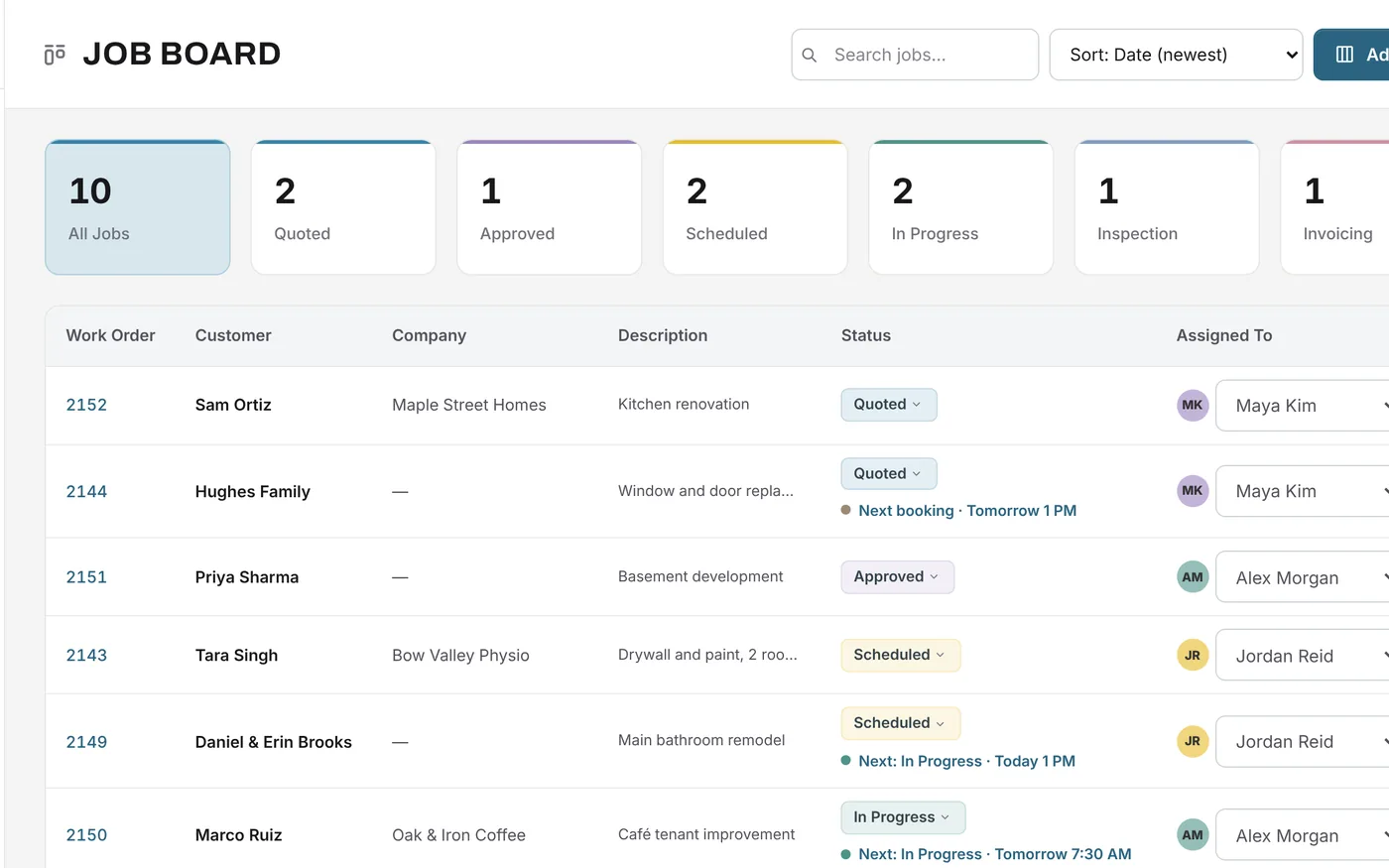
Every open job, its status, who owns it and when it's due, on one screen. Click a status to filter, sort by what matters, and add the columns your business needs.
Free forever plan · No credit card required
The problem
Whiteboards don't travel, spreadsheets go stale, and the status of a job depends on who you ask.
Finding out where a job stands means asking someone who might not know.
Due dates sit in a calendar nobody checks until it's too late.
Generic tools force your stages into someone else's process.
How it works
Name the stages your jobs go through, such as Quoted, Approved, Scheduled, In Progress, Inspection and Invoicing, and pick a colour for each. The count for each status sits at the top of the board; click one to see only those jobs.
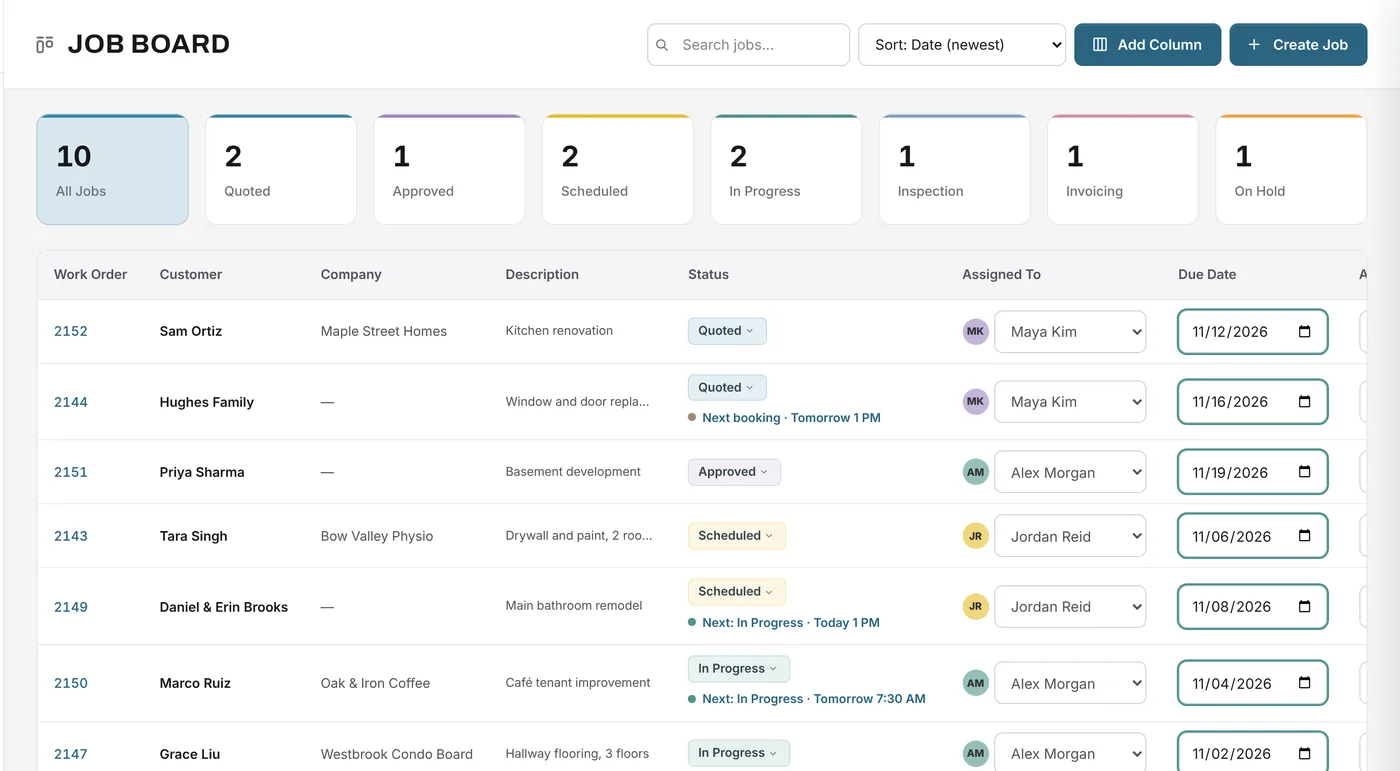
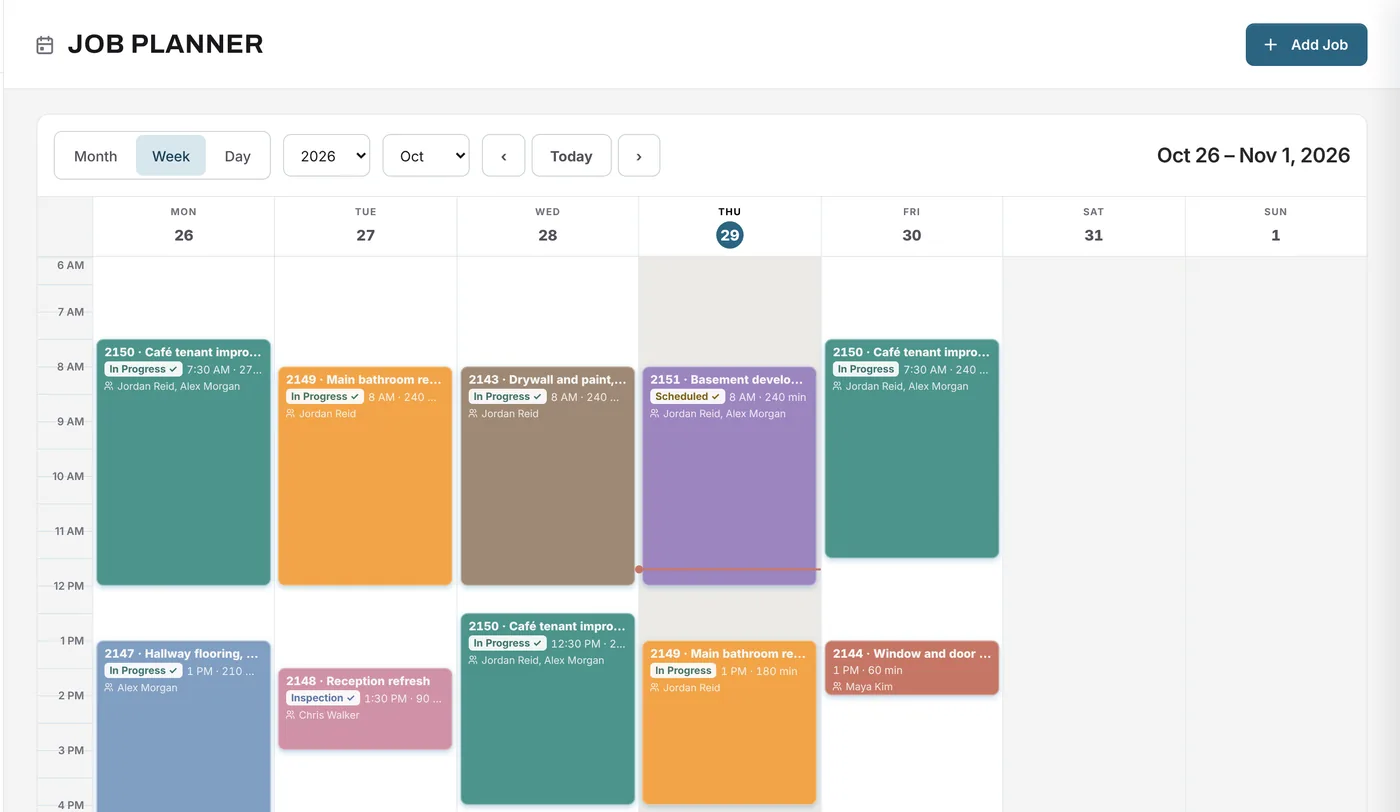
Assign each job to a person and set its due, approval and install dates directly on the board. Due dates that are close or past are highlighted, and jobs with planner bookings show their next booking under the status.
What changes
No more calling around: the board shows where every job is.
Due dates are visible on every row, and late ones stand out.
Your statuses, your colours and your own columns.
Every job has a name next to it.
Bookings appear on the board and can move a job's status when the work starts.
The board is usable on a laptop in the office or a phone on site.
Example
An operations manager starts the week with ten open jobs.
Yes. Statuses are set in Settings: add, rename, recolour and reorder them. The board, filters and planner use your list.
Yes. Use Add Column to add the fields your business tracks, and they appear on the board.
Search by work order, customer, company, description or note, or click a status count to filter.
They move to the Completed Jobs page with their payment status, so the board only shows work in progress.
Yes. The job board is on every plan.
Your next job starts here
Start free, set your statuses and put your open jobs on a board your team can read.
Free forever plan · No credit card required