Scheduling & planner
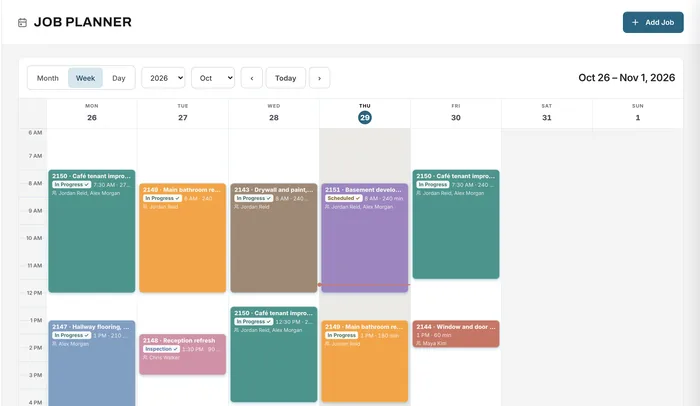
Book crews by day, week or month
Learn moreTimesheets & mileage
Your team logs start, end and break times against each job, plus the trips they drive. Overtime and stat holidays are worked out for you, managers approve, and payroll gets a download.
Free forever plan · No credit card required
The problem
Hours written on a card at the end of the week are hard to read, hard to check and impossible to tie back to the jobs they belong to.
Hours are filled in from memory at the end of the week.
You know what you paid, but not which job it was for.
Someone retypes every timesheet and works out overtime with a calculator.
How it works
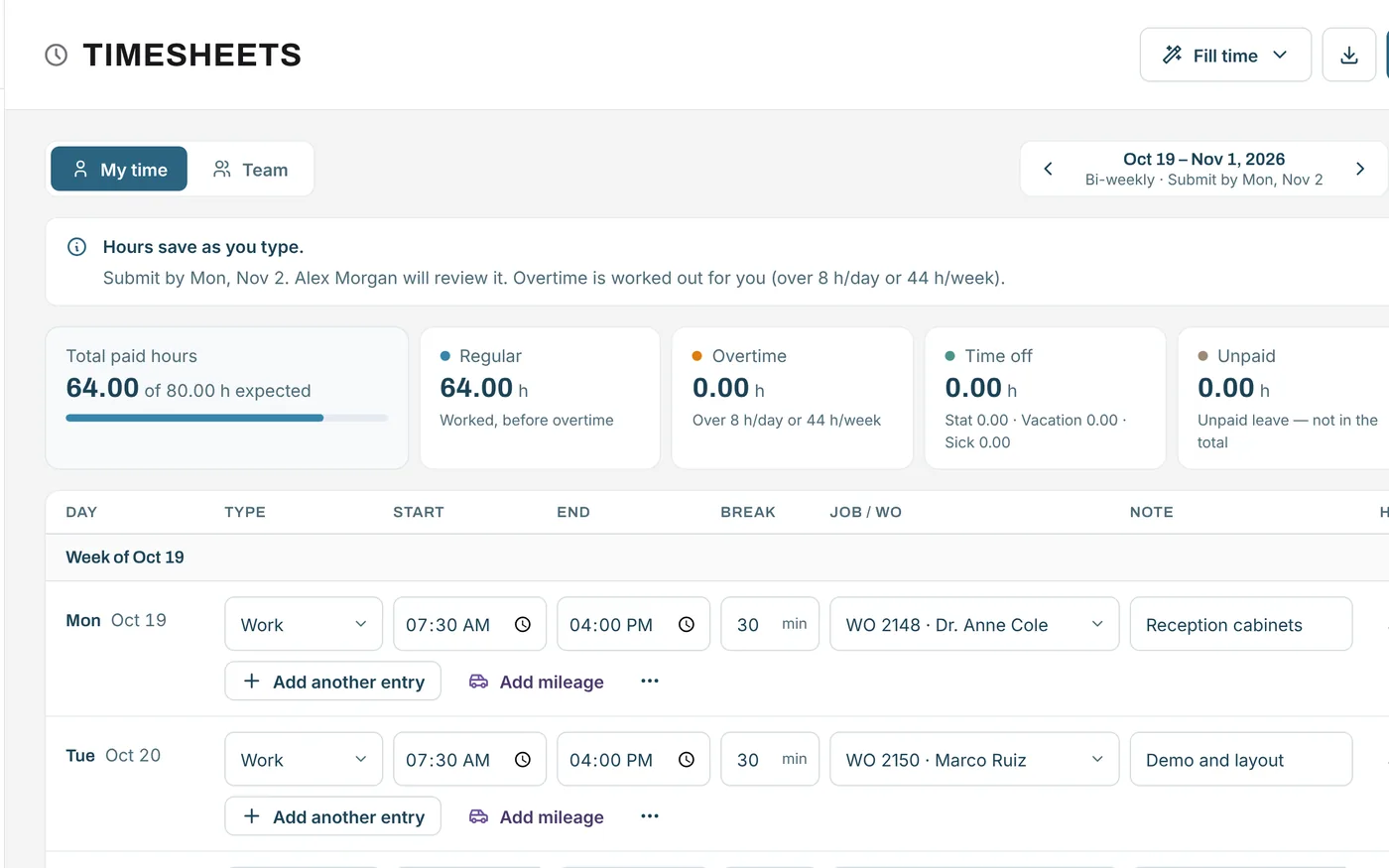
Each entry has a type (work, stat holiday, vacation, sick or unpaid), a start and end time, a break, the job and a note. Totals add up as people type. Fill a standard day with one click, or copy the last period.
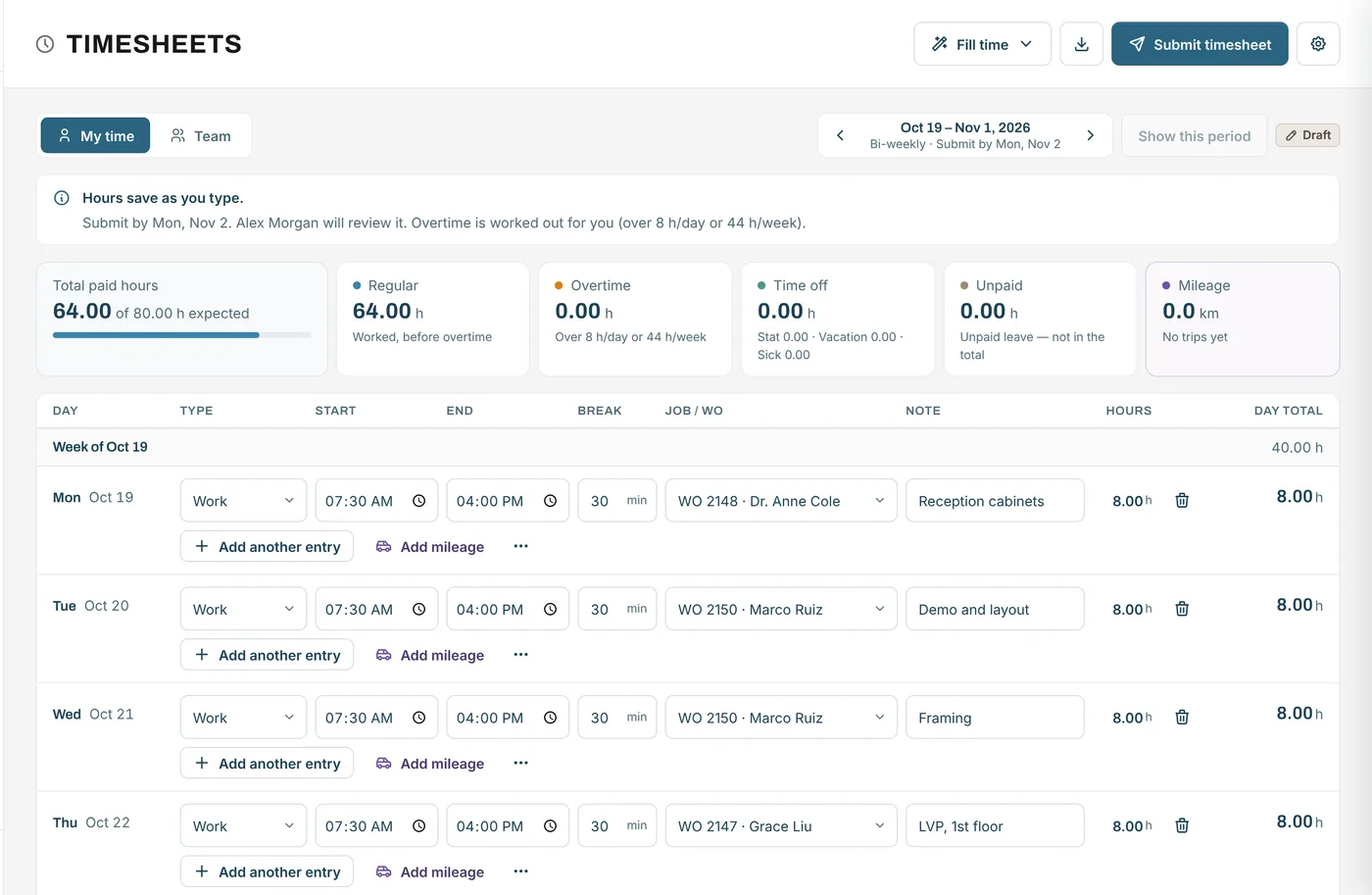
At the end of the period, each person submits their timesheet. Approvers see the team's timesheets, approve them one by one or all at once, or return one with a note. Approved timesheets are ready for payroll: download a payroll summary or every time entry as a CSV, or print.
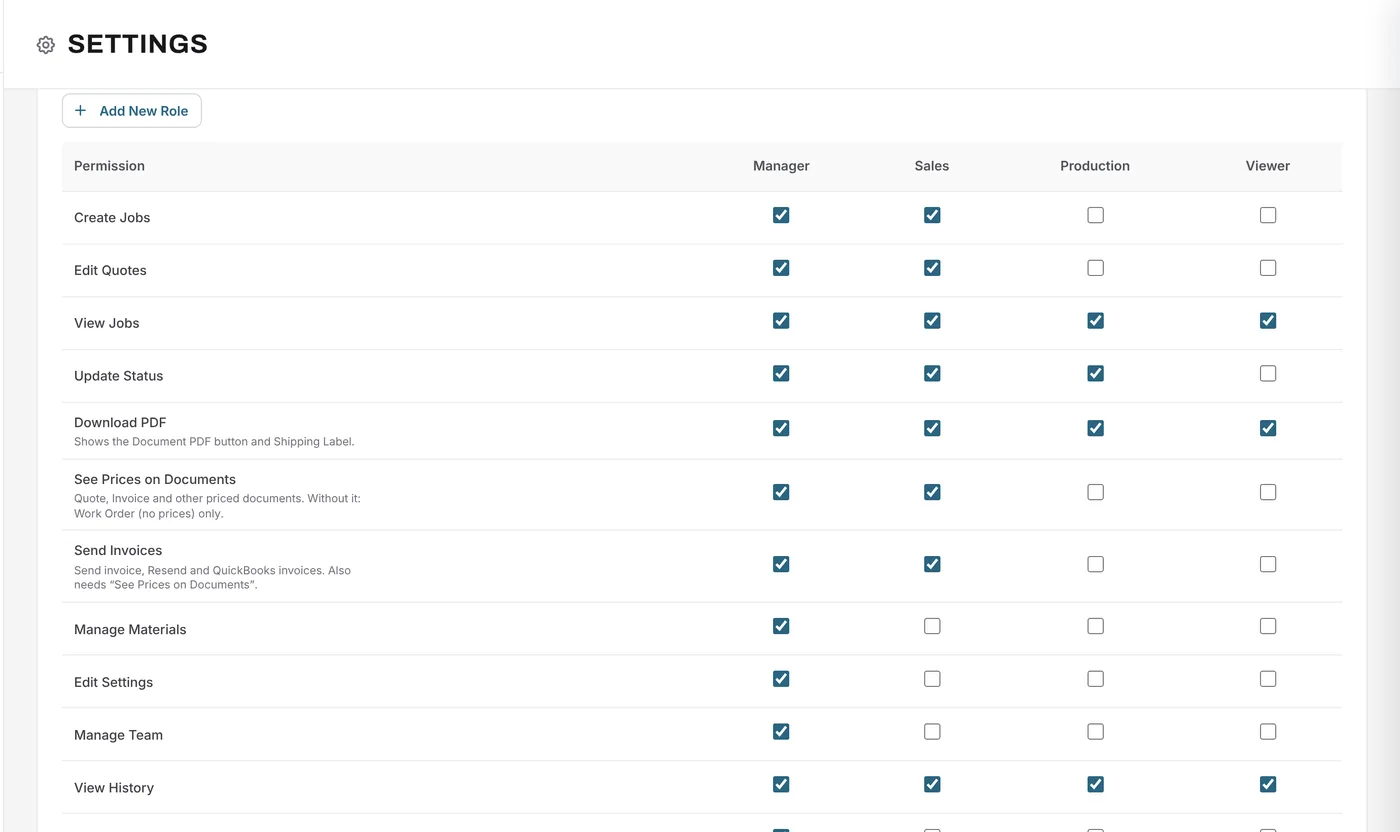
Log trips with where from, where to, distance in km or miles, round trip, the job and the purpose. Mileage uses your rate and never counts as hours.
What changes
See where hours actually went, job by job.
Your daily and weekly rules are applied as people enter time.
Approve all submitted timesheets in one click.
A CSV that opens in Excel or Google Sheets.
Trips with distance and purpose, kept separate from hours.
Timesheets and mileage are on Free, Essentials, Growth and Premium.
Example
A crew of four works on several jobs over a bi-weekly pay period.
FAQ
Can’t find your answer? Send us a message and we’ll get back to you.
Yes. Every time entry can be tied to a job, with a note.
By your rules: a daily limit, a weekly limit, or both, with whichever gives more overtime applied. The default is over 8 hours a day or 44 a week, and you can change it.
Yes. Download a payroll summary with one row per person, or every time entry for the period, as a CSV. You can also print a team summary.
Yes. Trips have a start, destination, distance in km or miles, a round-trip option, the job and the purpose. Mileage uses your rate and never counts as hours.
Every plan, including Free.
Your next job starts here
Start free and have your team log hours by job this week.
Free forever plan · No credit card required