Estimating & quoting
Price jobs from your real material, labour and service costs
Learn moreFor general contractors
Estimate line by line, take the deposit, order materials against the job, schedule your crews and invoice in stages. Renovators, general contractors and small builders run the whole job from one place.
Free forever plan · No credit card required

What gets in the way
Scope changes, deposits, supplier orders and crew schedules all have to line up, usually across a spreadsheet, a phone and a pile of receipts.
Extra work gets done and never billed.
Nobody is sure what was paid against which job.
Material costs never make it back to the job.
How Universal Workflow helps
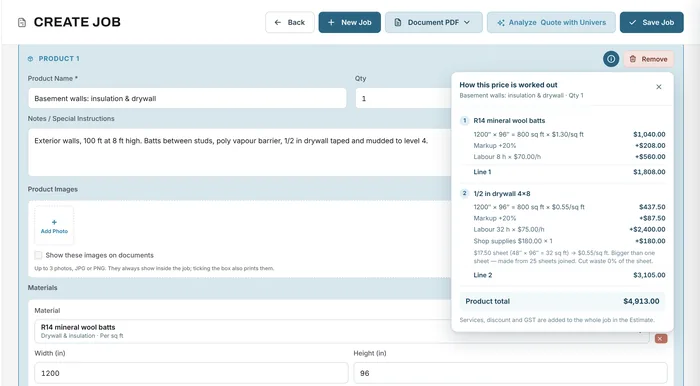
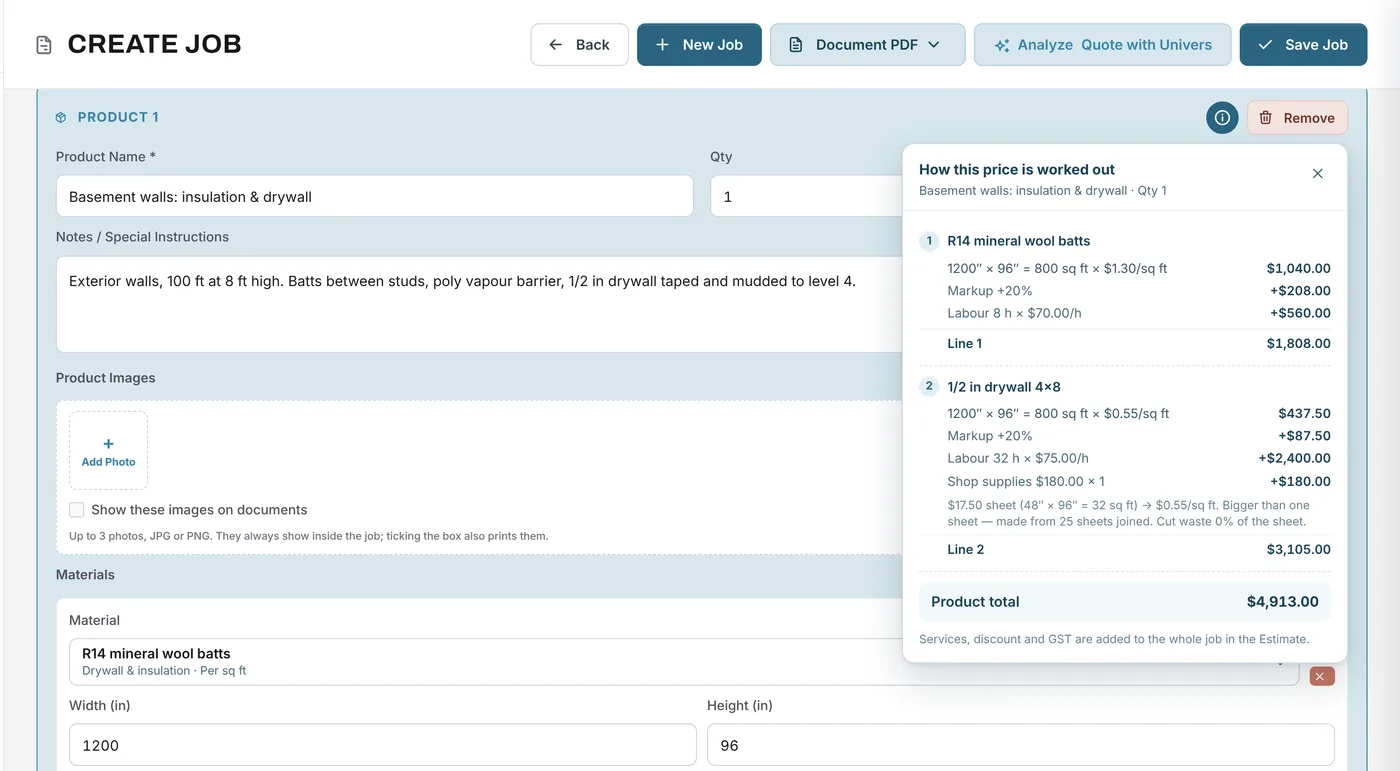
Break the work into products, such as the basement walls, the kitchen or the deck, and build each from your materials, labour and services. Drywall by the sheet, flooring by the square foot, lumber by the piece.
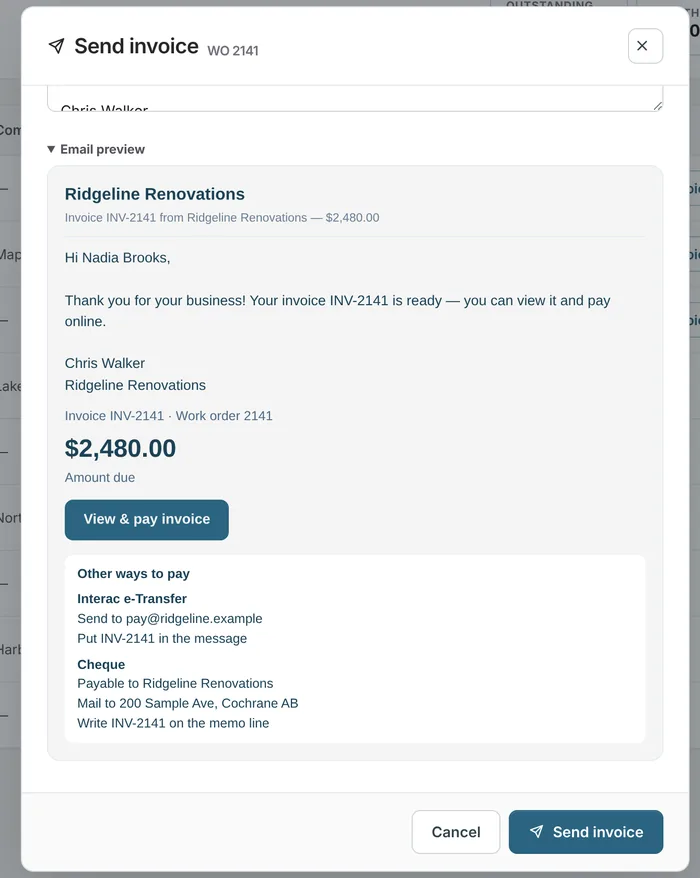
When the scope changes, a change order records the original amount, the reason, the revised total and an approval line. Request the deposit before work starts, then invoice progress or the balance; every payment shows against the job.
Invoicing & payments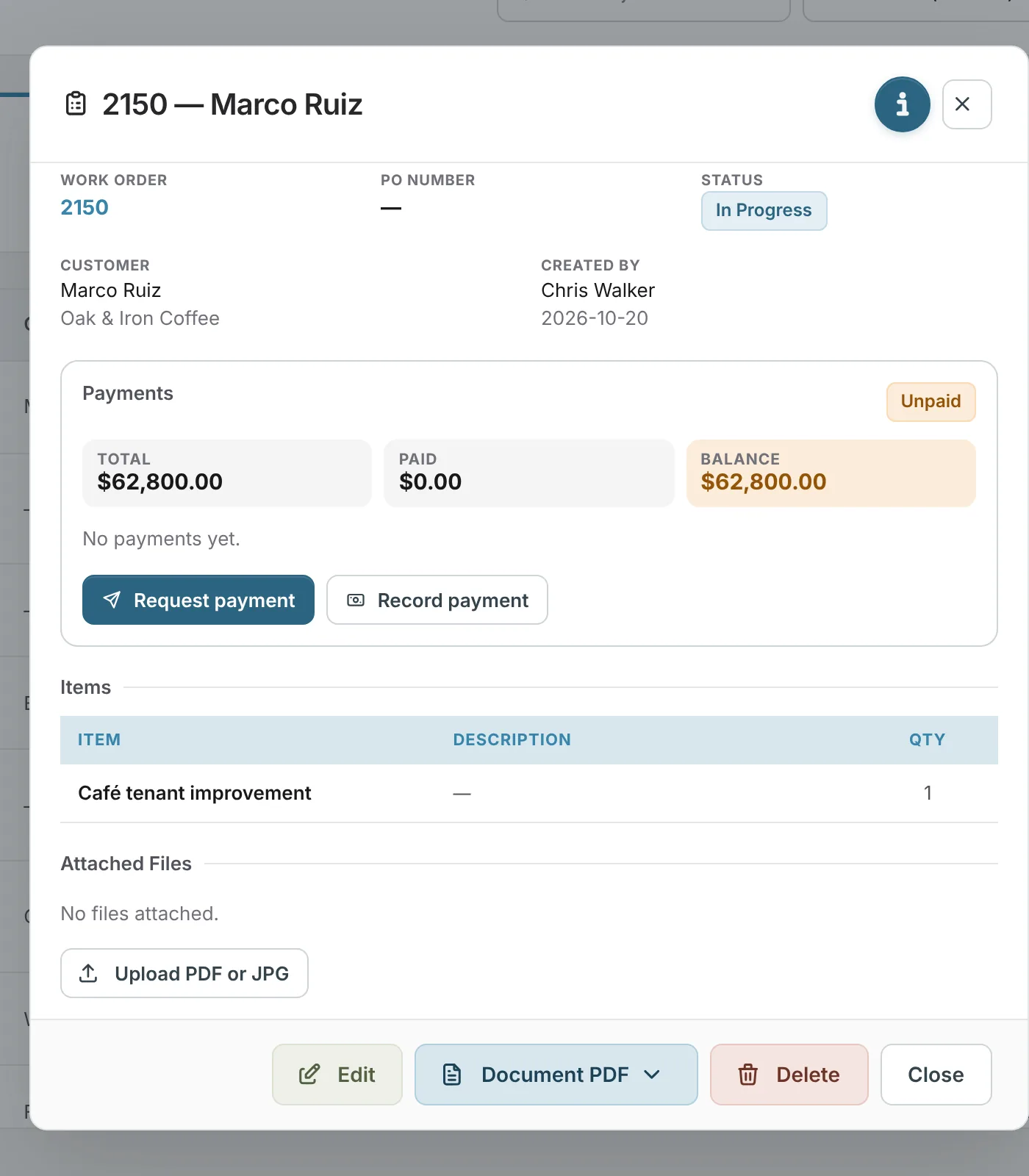
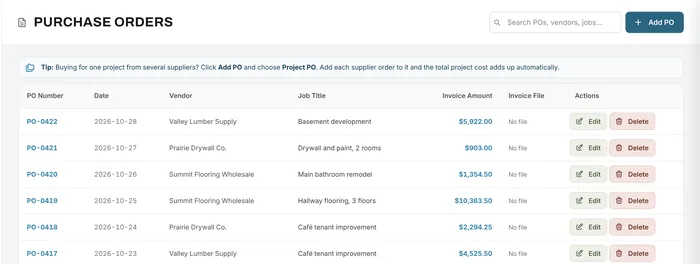
Book crews on the planner, have them log hours to the job in timesheets, and record supplier orders as purchase orders on the job.
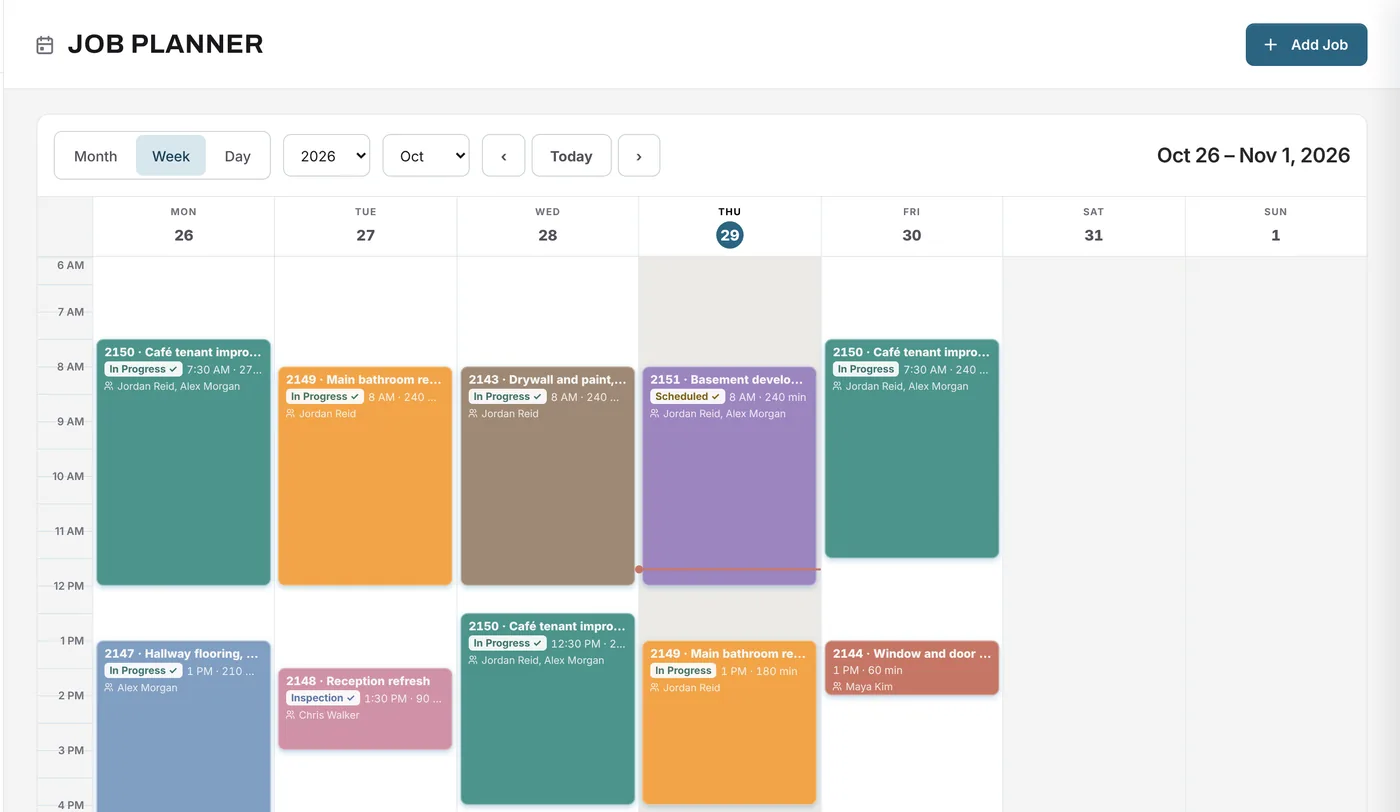
A job from start to finish
A homeowner signs a $38,500 kitchen renovation.
Yes. Request a deposit before work starts, invoice progress amounts, and invoice the balance at the end. Every payment shows on the job.
A change order is created from the job. It shows the original amount, the reason for the change, the revised total and a line for the customer's approval.
Yes. Your tax rate is applied on the estimate and invoice, and Financial Analytics shows tax collected and paid.
Yes. It runs in the browser on phones and tablets. Crews can see the planner and log their hours by job.
Your next job starts here
Start free with Growth features for 14 days: estimates, POs, crews and invoices.
Free forever plan · No credit card required