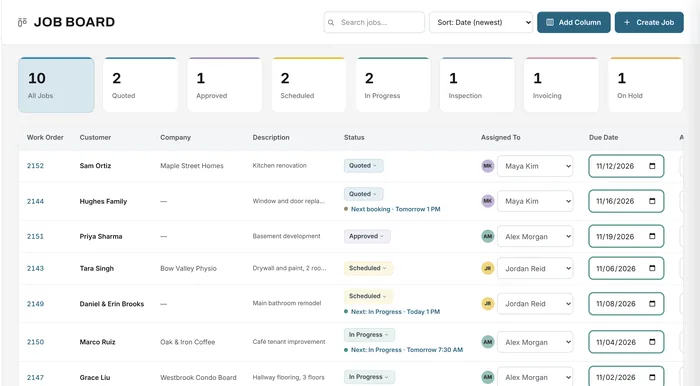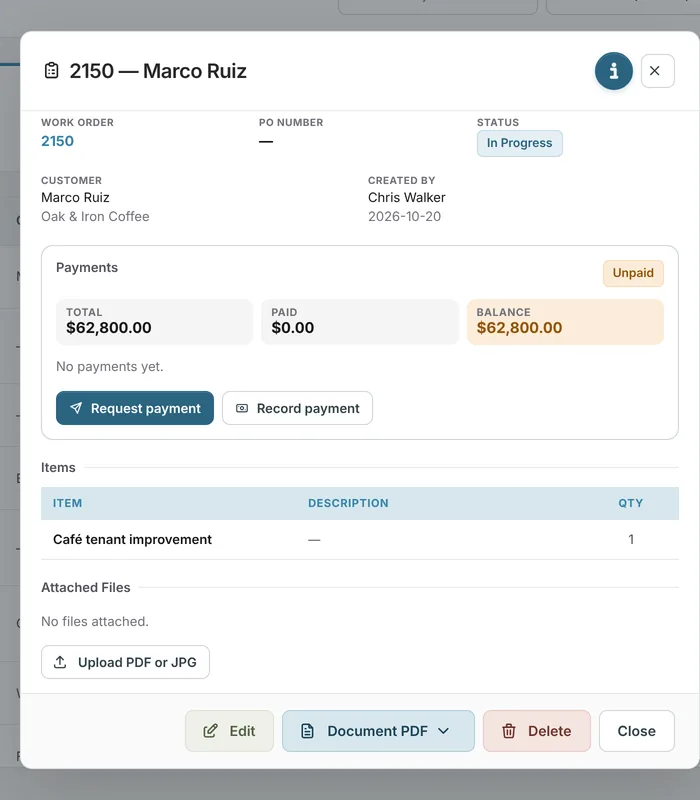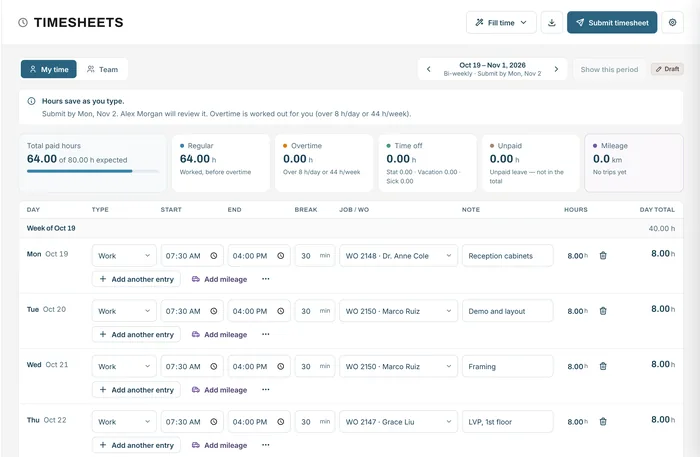
Timesheets & mileage
Hours by job, overtime, approvals, payroll export
Learn moreTeam roles & permissions
Invite your team, give each person a role, and decide what each role can see and do, from creating jobs and seeing prices to sending invoices and approving timesheets.
Free forever plan · No credit card required
The problem
Shared logins and all-or-nothing access mean either the crew sees your margins, or the office is waiting on the owner for every change.
Nobody knows who changed what.
The shop floor sees costs and margins it doesn't need.
Every quote and setting waits for one person.
How it works
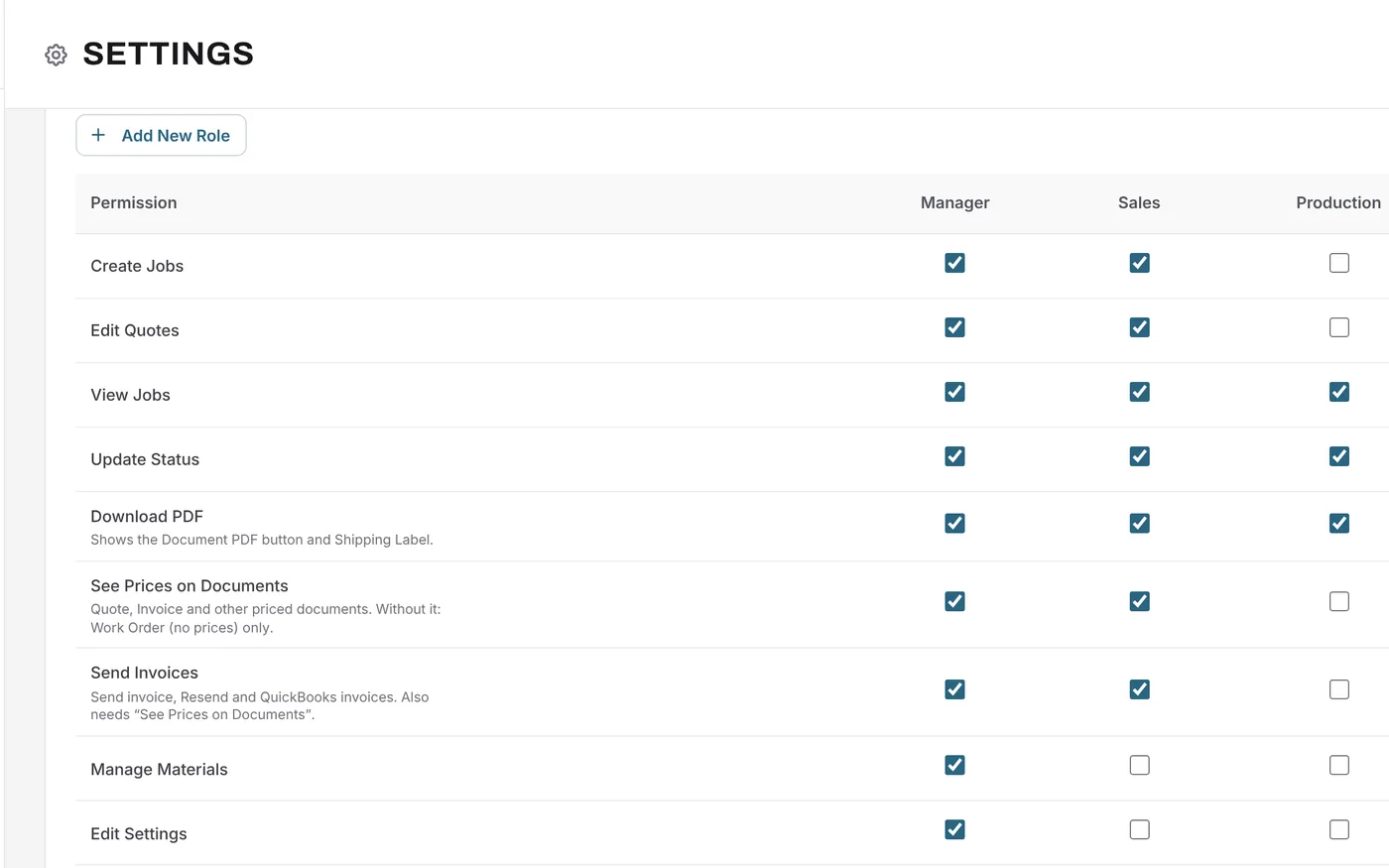
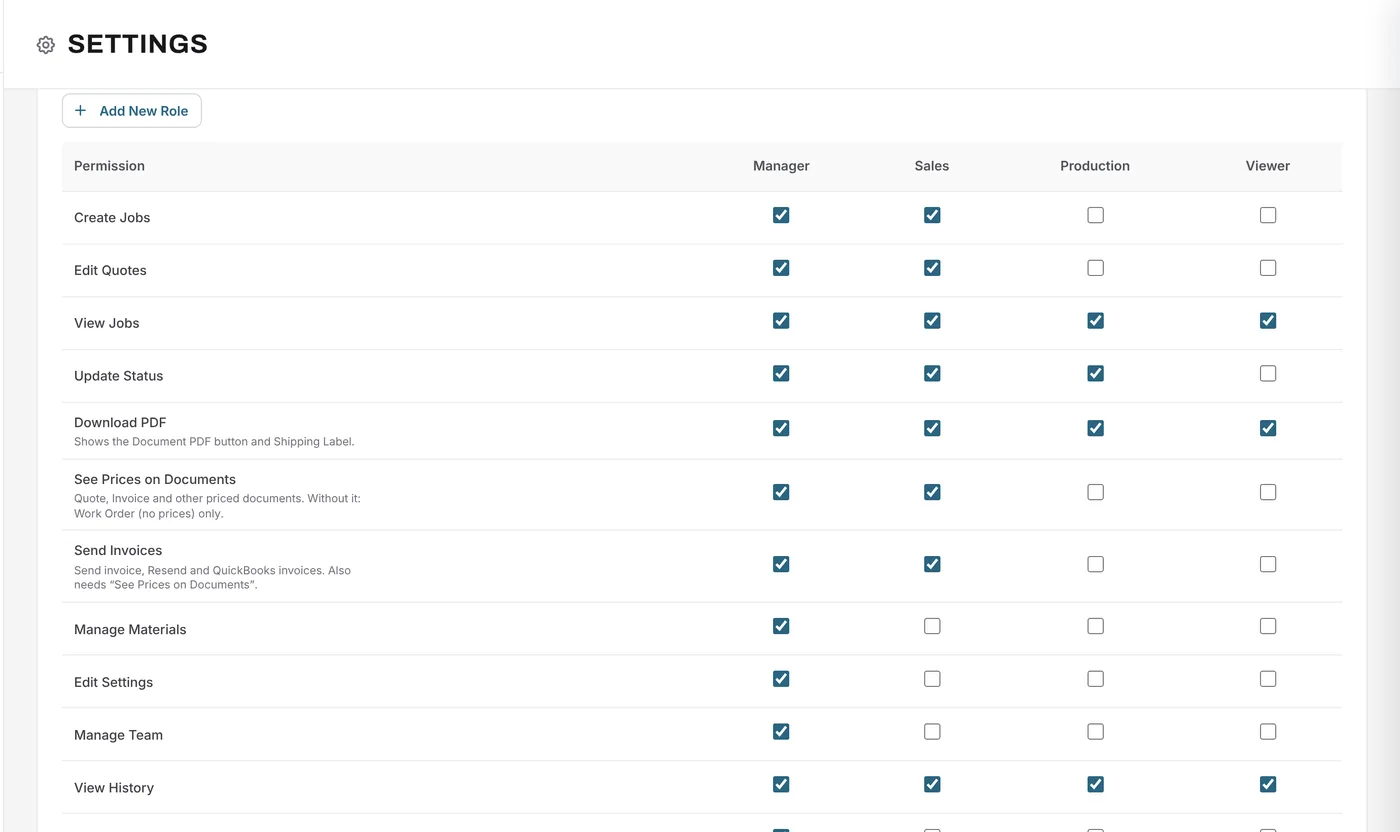
Roles come ready to use: Manager, Sales, Production and Viewer, with the Owner always having full access. Tick what each role can do.
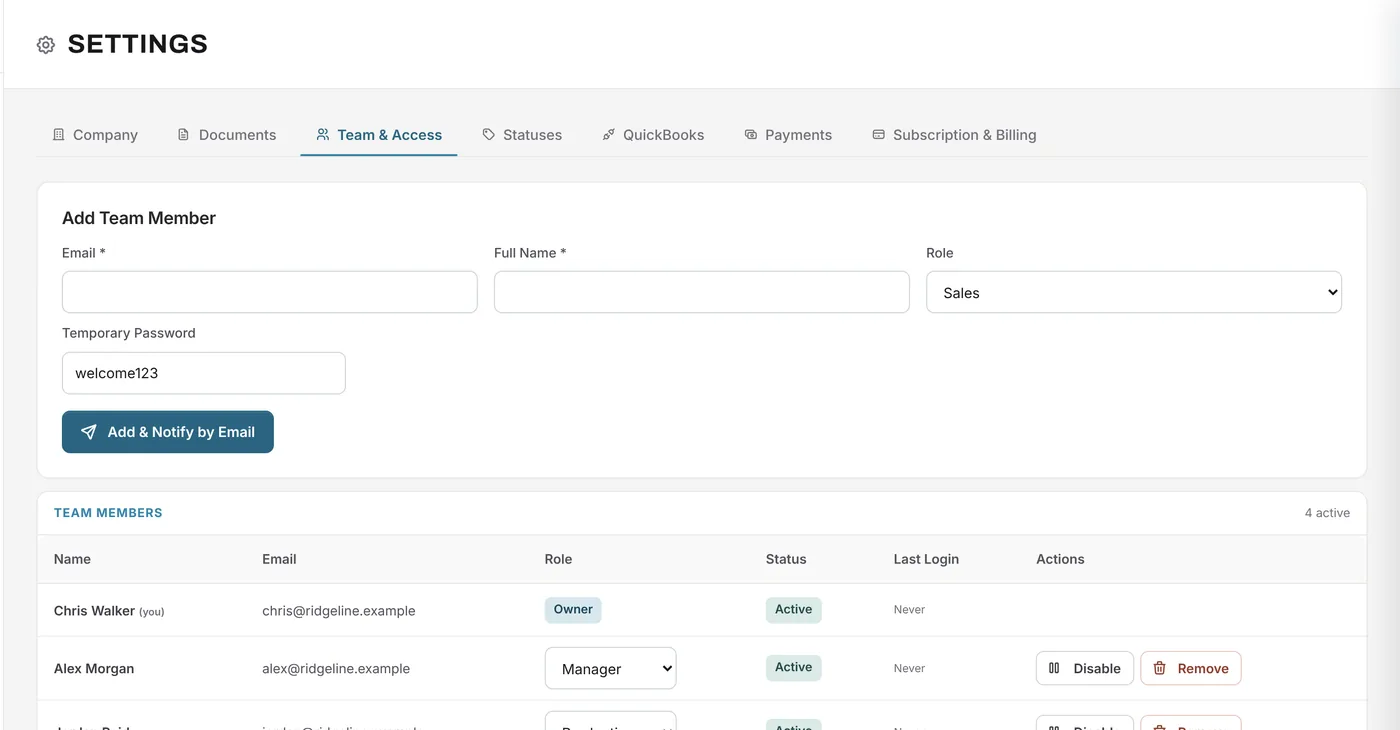
Add a team member with their email, name and role. They get an email to sign in. Change someone's role, disable them or remove them at any time.
What changes
Hide prices from the people who don't need them.
Sales can quote and production can update status, without asking.
Everyone has their own login, and history shows who changed what.
A viewer role for people who only need to look.
Up to 5 users on Essentials, 10 on Growth and 20 on Premium.
On Premium, create your own roles with their own permissions.
Example
An owner sets up access for a small team.
FAQ
Can’t find your answer? Send us a message and we’ll get back to you.
Owner, Manager, Sales, Production and Viewer. The Owner always has full access.
Yes. The See Prices on Documents permission decides who sees prices; without it, a person only gets the work order without prices.
Yes, on Premium, with advanced permissions and custom roles.
1 on Free, up to 5 on Essentials, up to 10 on Growth and up to 20 on Premium.
Growth includes role-based permissions. Premium adds advanced permissions and custom roles.
Your next job starts here
Start free with Growth features for 14 days and invite your team.
Free forever plan · No credit card required